
Diagnostic Laptops
Windows 10 Is Losing Support Today. Here's How And Why You Need To Switch To Windows 11 Now.
Microsoft has ended support for Windows 10 licenses. What does that mean for your shop, how this can affect you, and options you can take to make sure your data and work is safe from potential cyber attacks.
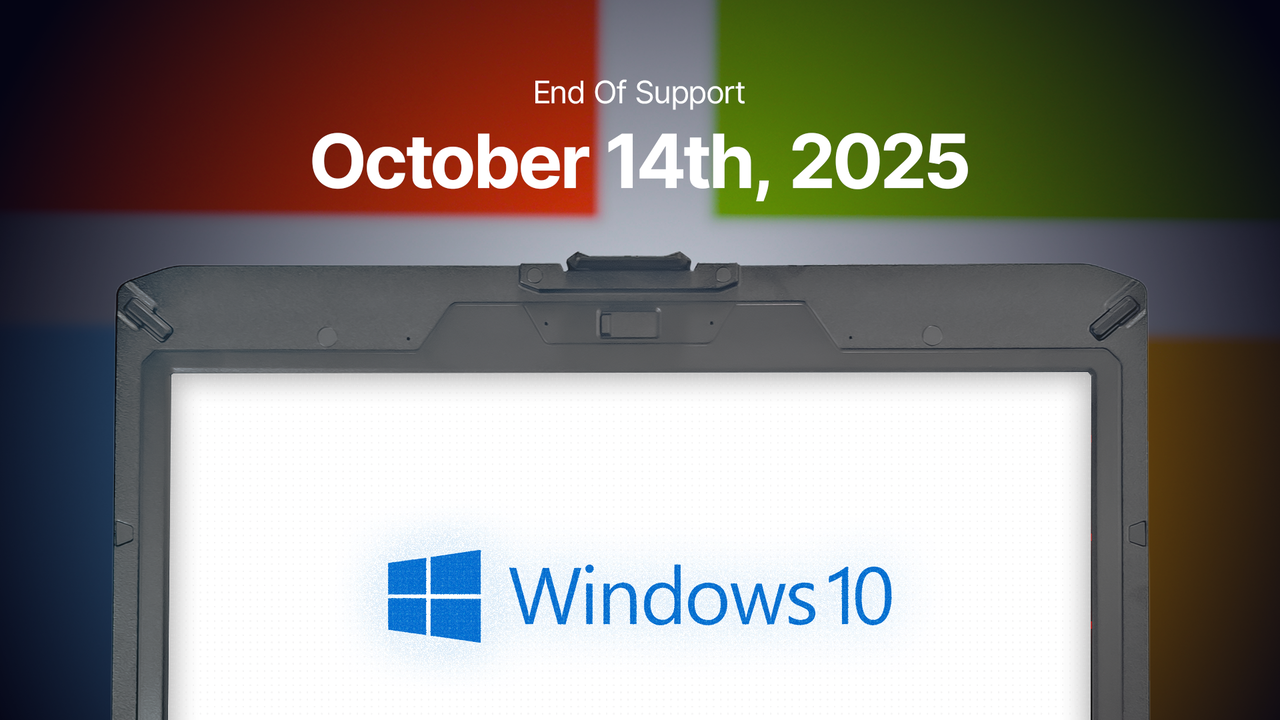
Image by AE Tools & Computers
💻 End of Windows 10 Support: Windows 10 will lose support and critical updates after October 14, making devices vulnerable to security threats unless users upgrade to Windows 11 or enroll in Microsoft's paid Extended Security Updates (ESU) program.
💻 Options and Costs: Users can stay on Windows 10 with security risks, enroll in ESU for extended support at increasing costs, or upgrade to Windows 11, which is recommended for enhanced security and compatibility with new features.
💻 Benefits of Windows 11: Upgrading to Windows 11 offers improved security features like TPM 2.0 and Microsoft Pluton, and aligns with technological advancements, ensuring better protection against cyber threats.
💻 Upgrade Process: Ensure devices meet Windows 11 requirements, possibly requiring hardware upgrades; AE Tools offers customizable Windows 11 Pro laptops and support for transitioning, emphasizing the importance of backing up data during upgrades.
Windows 11 In, Windows 10 Out
Windows 10 will soon lose support and critical updates that help protect your devices from hackers, viruses, and other cyber threats. While you can continue using Windows 10— just as many still use Windows XP, Vista (weirdly), or 7— it’s important to weigh the risks. Here’s why you should consider upgrading or purchasing a new laptop or workstation with Windows 11 Pro, and how to prepare for the transition.
When is the great shutdown happening?
Microsoft has announced that support and security updates for Windows 10 will end on October 14th. If you’re unable to upgrade by then, you can enroll in the Extended Security Updates (ESU) program, which provides three years of additional support for a fee— $61 per device for the first year, with the cost doubling each subsequent year.
Alternatively, you’ll need to upgrade your current laptop or workstation to Windows 11 (if it’s compatible), or purchase a new device with Windows 11 pre-installed.
Should you do the Extended Security Updates (ESU) Program?
If you’re managing a few devices and can afford the extra coverage until it’s truly time to upgrade, the ESU program is a practical option. While we don’t recommend staying on Windows 10 for a long time, we understand that the transition may be premature for some users, making this program a helpful bridge.
Keep in mind that most software developers are now focusing on Windows 11, which means older software versions may stop receiving important security updates and new features. Even though some applications have transitioned to the cloud, vulnerabilities remain—particularly when browsing online.
If your essential software only runs on Windows 10 or you’re still in the process of moving your workflow to Windows 11, the ESU program could be the most beneficial solution for your situation.
Learn More About The ESU Program
Learn More
Security and stability: Why you need to update to Windows 11
Over the years, Microsoft has consistently updated its platforms, introducing new features and capabilities that keep pace with technological trends like AI. Increasingly sophisticated cyber attacks have also pushed Windows and other operating system developers to implement stronger safeguards for both consumers and businesses. Notable improvements include:
TPM (Trusted Platform Module) 2.0
Enhanced Windows Security
Virtualization-Based Security
Microsoft Pluton
Windows 11 leverages these features at the hardware level, offering robust protection against malicious attacks. With several important factors in mind, upgrading to Windows 11 is highly recommended, especially if:
You handle sensitive customer information on your workstation before transferring it to a secure location; in this case, consider backing up to a safer platform, device, or database.
You use non-HTTPS sites, which are vulnerable to security breaches, often found on older web pages.
You experience software compatibility issues due to new protocols that are unsupported on Windows 10.
Security features like firewalls are disabled to allow programs unrestricted network access.
While there are many reasons to upgrade, these are some of the most significant. If you’re considering upgrading your AE Tools laptops, we offer an upgrade service for eligible devices. For more details, please see our Windows 11 Upgrade Program Procedures and Guidelines.
What are my options?
You have a few options at this point, depending on risk and cost. Let's go through them again by ensuring you in before you make your decision:
Option 1: Do not upgrade to Windows 11 (No ESU Program Enrollment)
With Microsoft ending updates for Windows 10, sticking with this operating system means accepting greater security risks. To reduce these risks, make sure you have IT personnel overseeing your security or install reliable antivirus software like BitDefender or Norton. Keep in mind, this is general precautionary advice and not a replacement for professional IT consulting.
Option 2: Stay on Windows 10 & enroll in the ESU Program
If you want to remain on Windows 10 due to logistical issues before switching to Windows 11, the ESU program can help. While it lets you continue using Windows 10 and receiving updates, support is limited to three years. Pricing starts at $61 per device, with renewal costs doubling each year. The program can become costly if used for large numbers of devices, but it may be worthwhile for smaller businesses or independent technicians.
Option 3: Update to Windows 11 (Personal Device)(Recommended)
If you are ready to commit to the Windows 11 OS ecosystem, then all you need to do is:
Ensure your device(s) meet the requirements to switch over. You can find this on Microsoft's website: https://learn.microsoft.com/en-us/windows/whats-new/windows-11-requirements
If you do not meet the requirements with your current specs, you may need to update your components if you are using a PC. If you're a laptop user, you will need to opt for a new laptop.
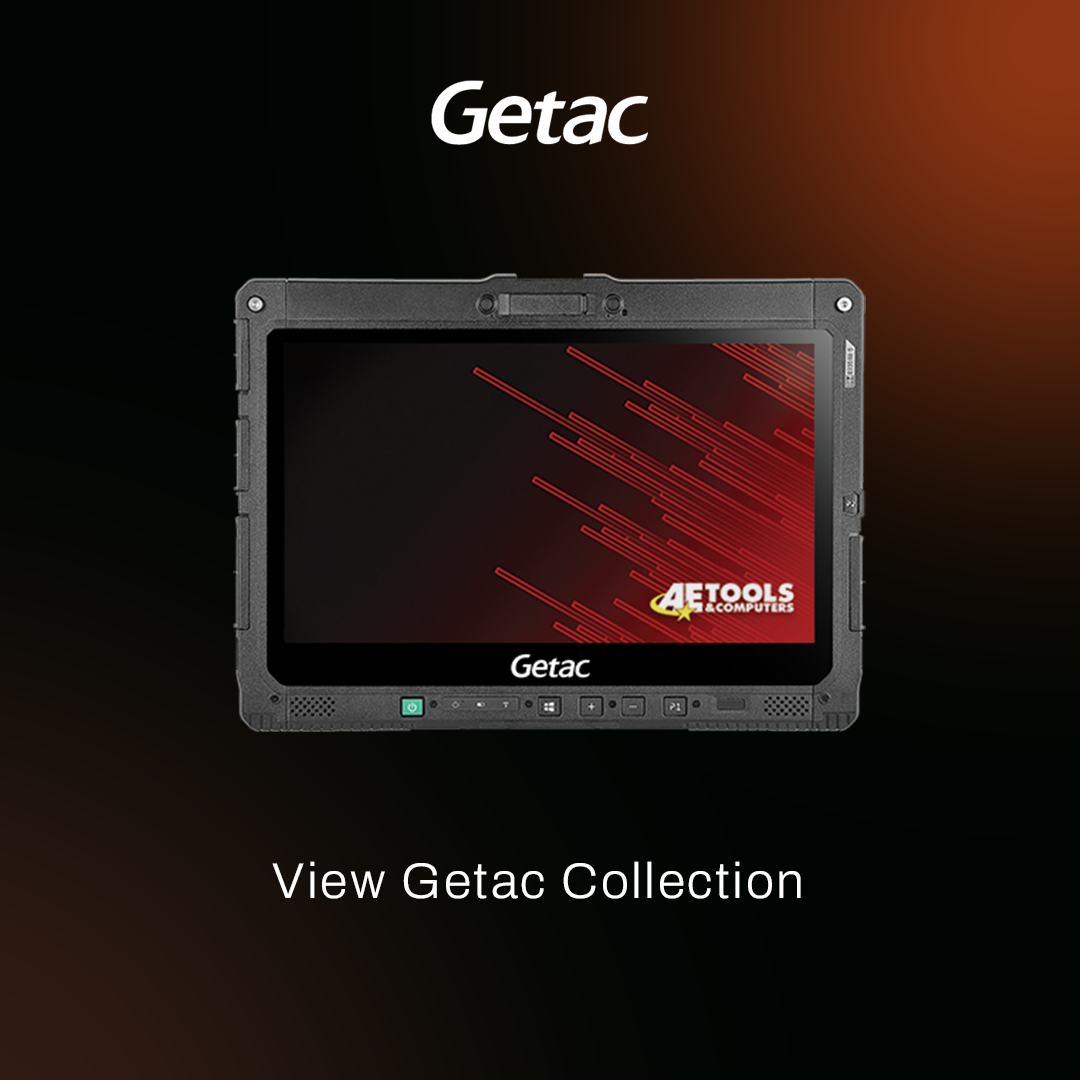
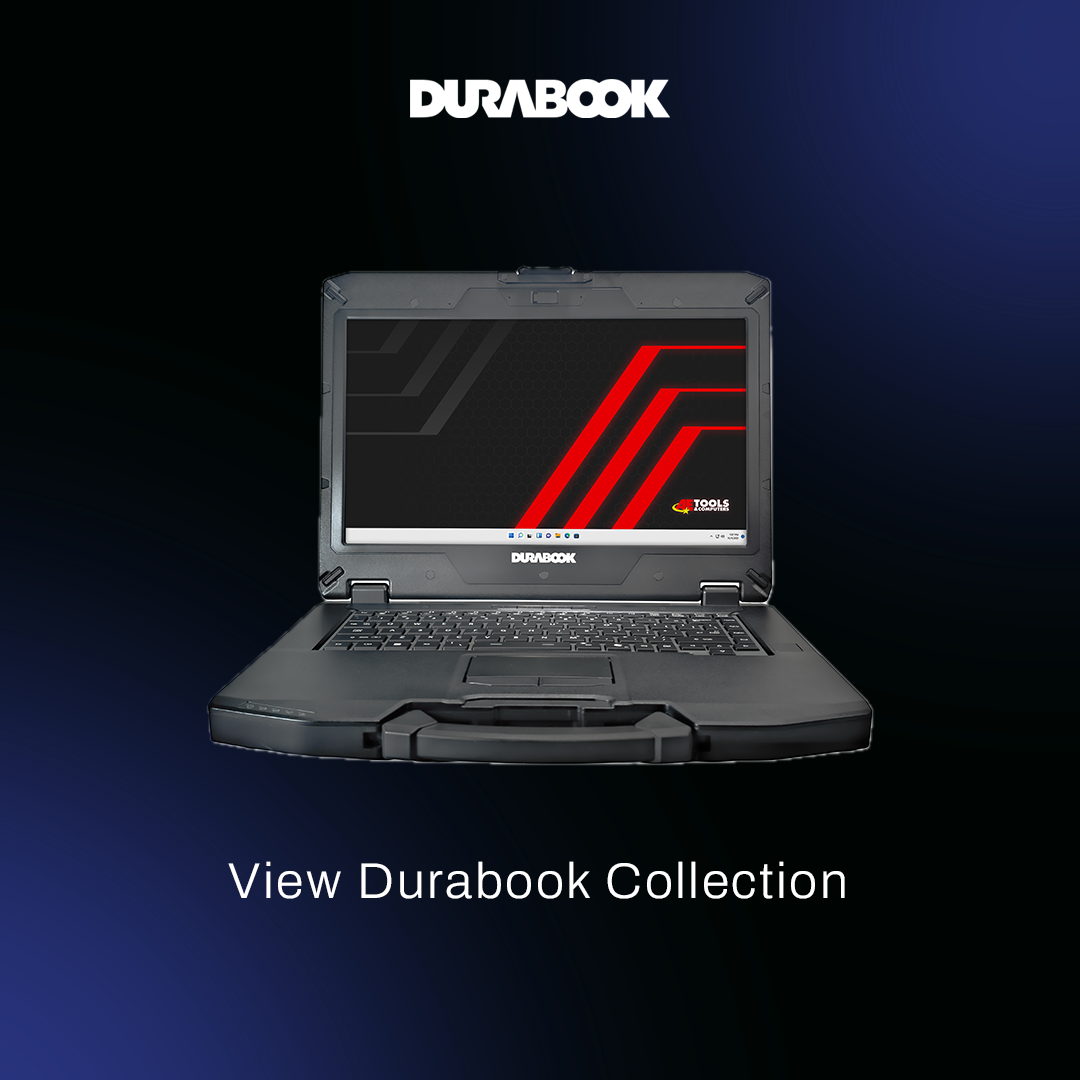
If you are looking to update your laptop, we provide Windows 11 Pro-ready laptops from Getac and Durabook that are customizable in storage and RAM, and additional accessories as well.
Option 4: Update to Windows 11 (AE Tools Laptop)(Recommended)
If you purchased a laptop from us between April 1, 2023, and April 1, 2025, you’re eligible for a free Windows 11 upgrade. Before proceeding, please review these important details:
Data backup is not included unless specifically requested as an additional service.
You will need to send your laptop to us to complete the upgrade.
The upgrade process usually takes 3–4 days, though times may vary depending on demand.
AE Tools will cover the cost of returning your device. If you paid for expedited shipping, your return will be shipped accordingly; standard shipping will be matched similarly.
To start, please create a support ticket.
For further details and complete guidelines, click the link below to learn more about our Windows 11 Upgrade Program.
Learn More About Our Windows 11 Upgrade Program
View Guide
Durable, multi-partitioned laptops made for technicians built with Windows 11
Switching to Windows 11 is simple, but if you’d rather have a device ready to go, AE Tools offers laptops and tablets preloaded with Windows 11 Pro. Explore our collection to select and customize the perfect device for you. We also offer laptop bundles with our OEM hardware for a complete out-of-the-box solution.
For questions or help regarding Windows 10 or 11, reach out at marketing@aetools.us or open a support ticket at support.aetools.us.
Article needs updating?
We strive for accuracy and ensure our information is transparent, clear, and up to our standards. Please let us know if you have any updates or edits, suggest changes, or find something incorrect on our form here.
Form submissions are totally anonymous unless the submitter would like to be addressed.
Tags
windows 10
windows 11
rip windows 10
laptop update
durable laptops
multi-partitioned
technicians
getac
durabook
aet news
texa
bosch
ezds
triton
diagnostic tools
key machines
2025
Items Mentioned
Learn more about the items, collections, brands mentioned in this blog.

Related Articles
Catch up on the latest articles before you're too late!